Your inbox
The Inbox lists your conversations, newest first. All the emails between you and one person (or one group) are kept together in one conversation, whoever sent them, so there is no separate Sent folder.
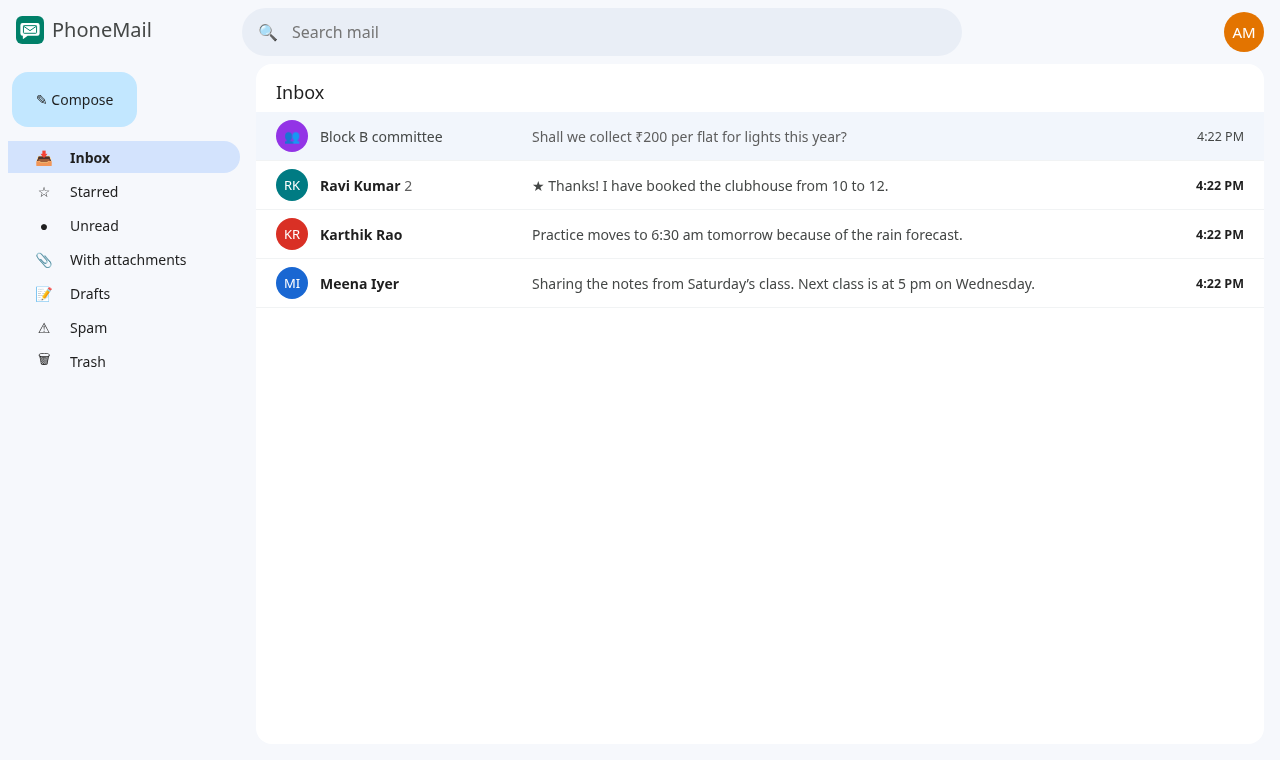
- Bold conversations have emails you haven't read yet; the number after the name is how many.
- The grey text is the start of the latest email; the time or date on the right is when it arrived.
- ★ in front of the text means you starred an email in that conversation.
The left menu
| Item | Shows |
|---|---|
| Inbox | Every conversation |
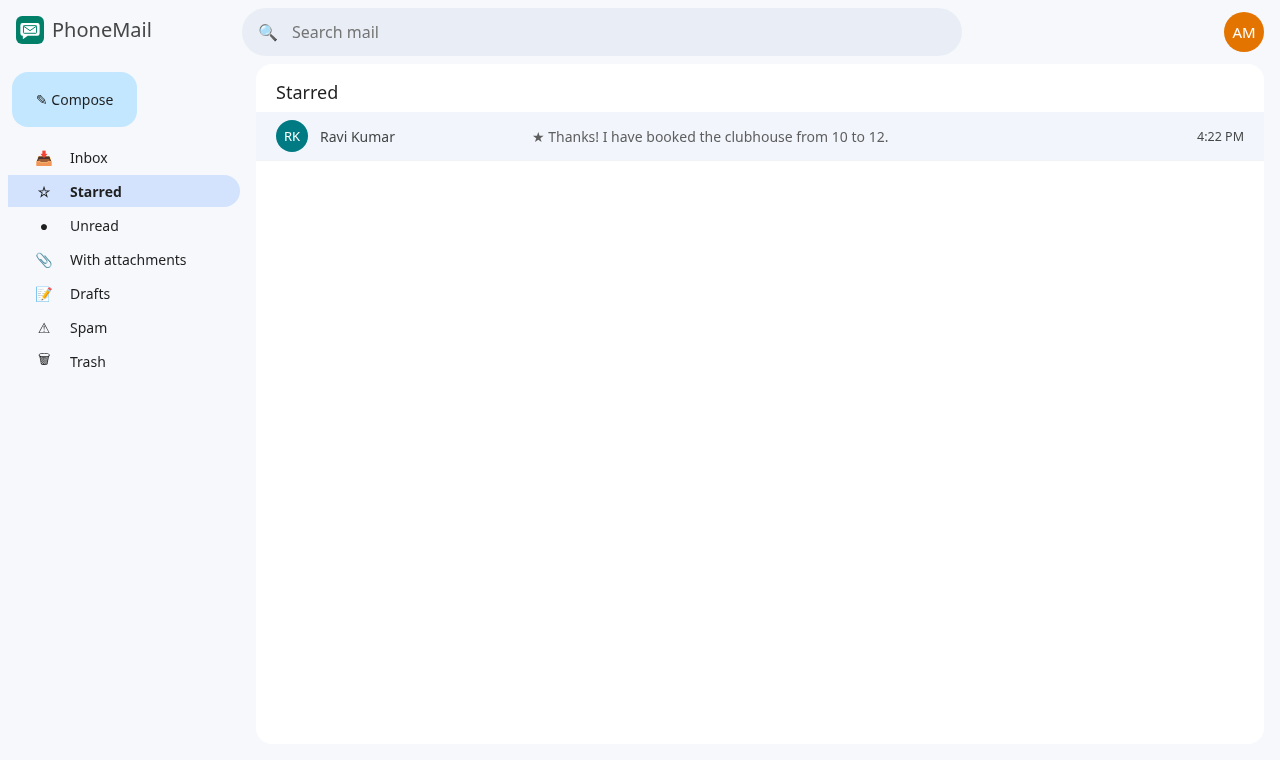
| Starred | Conversations with an email you starred |
| Unread | Conversations with unread emails |
| With attachments | Conversations that include files (sending files is coming soon, so this is empty for now) |
| Drafts | Emails you started but didn't send |
| Spam | Emails you reported as spam |
| Trash | Emails you deleted |
Search
Type in Search mail at the top and press Enter. PhoneMail searches the subject and text of every email you can see, except those in Trash.
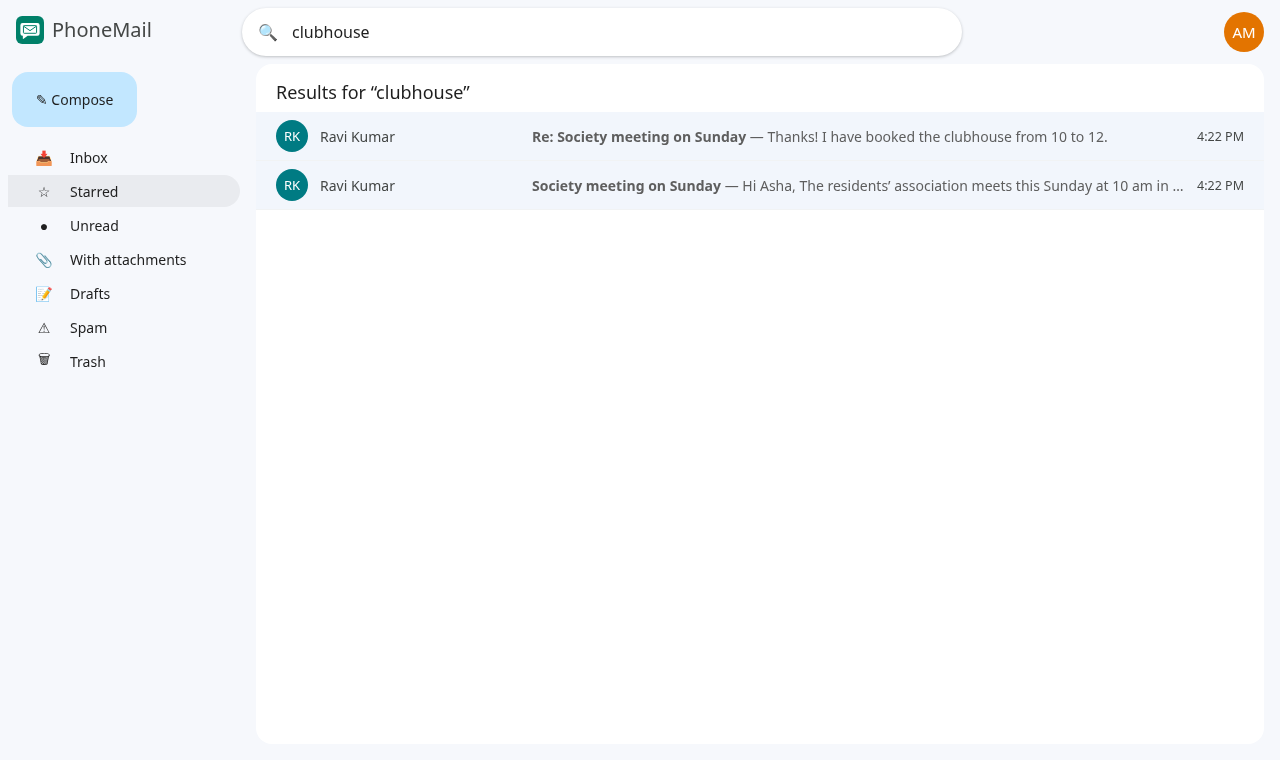
Leaving the results (for example by clicking Inbox) clears the search box.
New mail
New emails appear by themselves while PhoneMail is open; you don't need to refresh the page.