Sign in and out
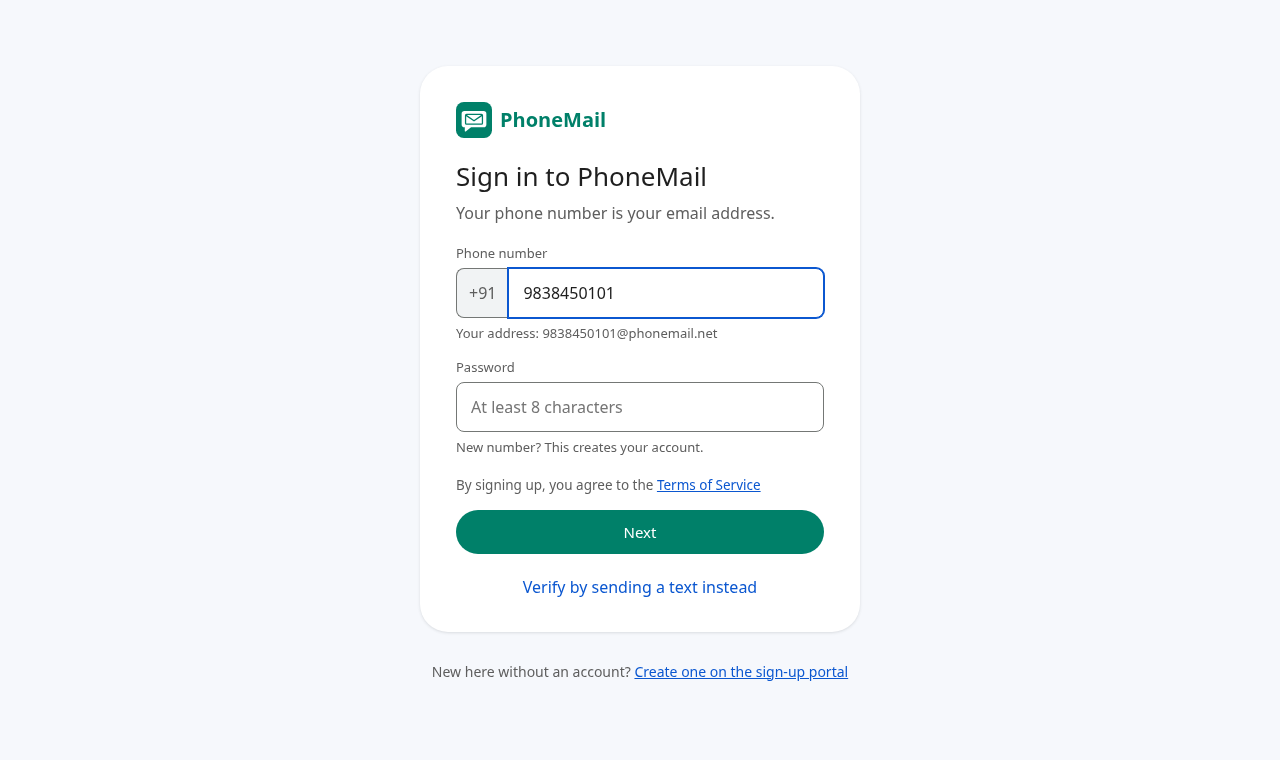
Go to https://mail.phonemail.net. Signing in happens on a single screen: your phone number, the OTP (or password) and one Next button. By continuing you agree to the Terms of Service, linked just above the button.
With a one-time code (OTP)
- Type your 10-digit number and press Next. A 6-digit code is sent by text.
- Type the code in the OTP field and press Next again.
With a password
If you have set a password (in Profile and settings), you can type it in the second field instead of a code. While one-time codes are switched off, the second field always asks for a password:
- New number: choose a password of 8 or more characters. This creates your account.
- Existing account: type your password to sign in.
In a mail program or webmail
You can also read PhoneMail in Roundcube at https://mail.phonemail.net/webmail/. The username is your full address (for example 9884690127@phonemail.net) and the password is the one you set in PhoneMail. Your folders are Inbox, Sent, Drafts, Junk and Trash, and read, starred and replied marks stay in step with the app.
By sending a text
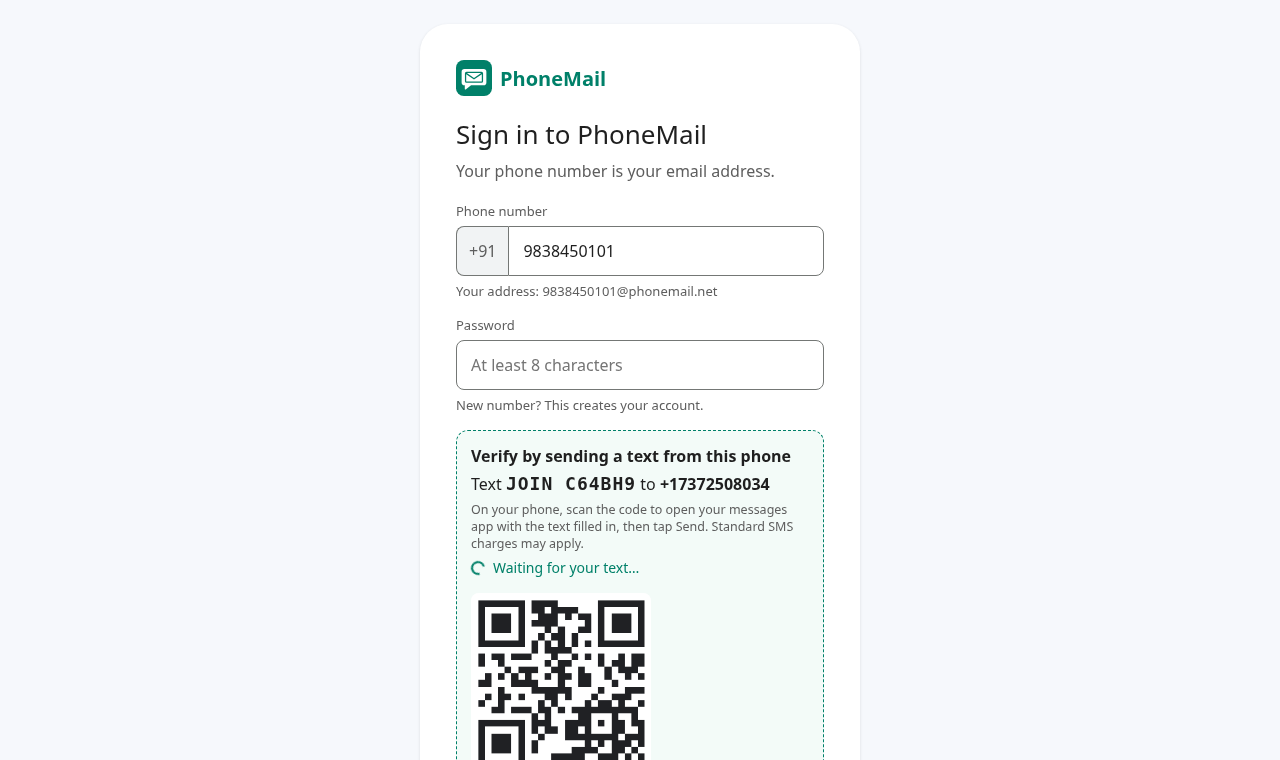
If you can't receive a code, press Verify by sending a text instead. Scan the QR code with that phone (or send the text shown), and the page signs you in by itself when the text arrives.
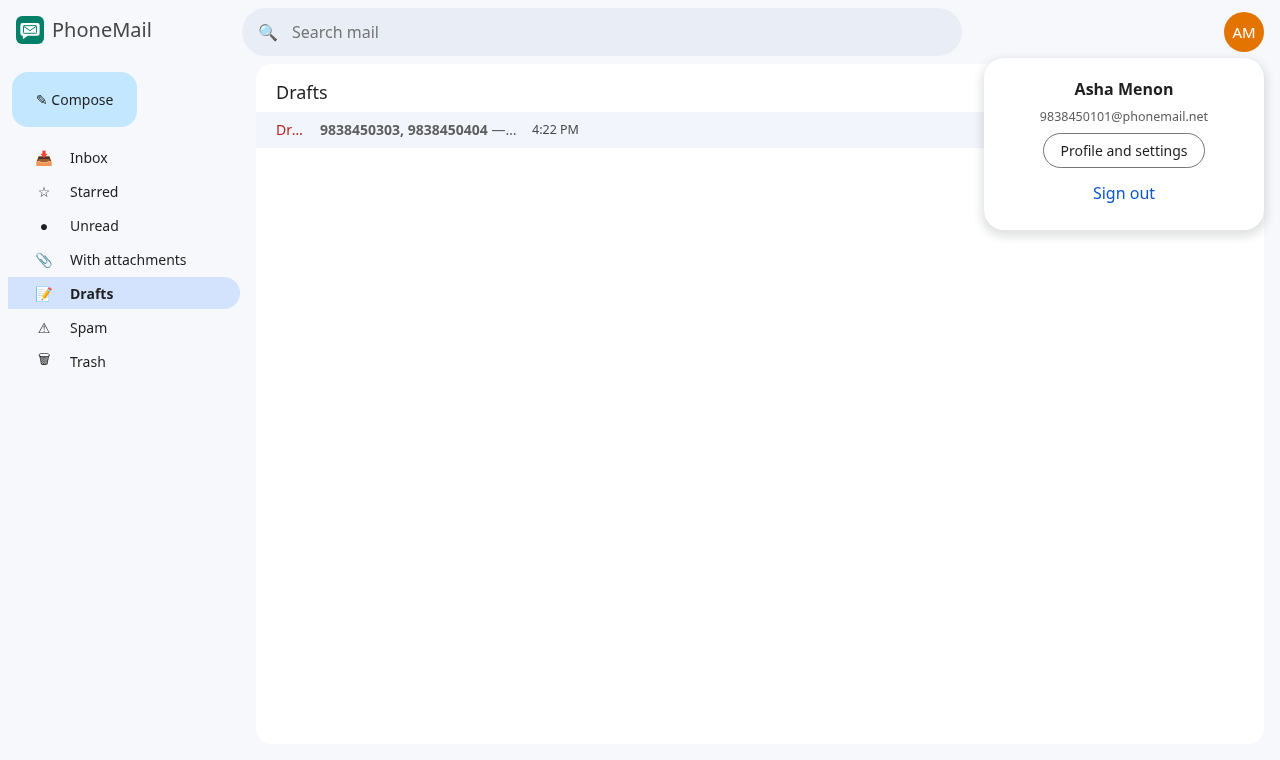
Sign out
Click your initials in the top-right corner, then Sign out. On a shared computer, always sign out when you finish.