Write an email
Press ✎ Compose at the top left. A new-message window opens in the bottom-right corner, as in Gmail.
- To: type a 10-digit phone number (for example
9841610303) or a full address. Separate several with commas. - Cc Bcc (optional): press it to add people who get a copy. People in Bcc are hidden from everyone else.
- Subject and your message.
- Press Send. A "Message sent" note appears at the bottom left.
Writing to a group
Put two or more people in To and PhoneMail starts a group conversation with all of them. You can give the group a name; otherwise it is named after the people in it.
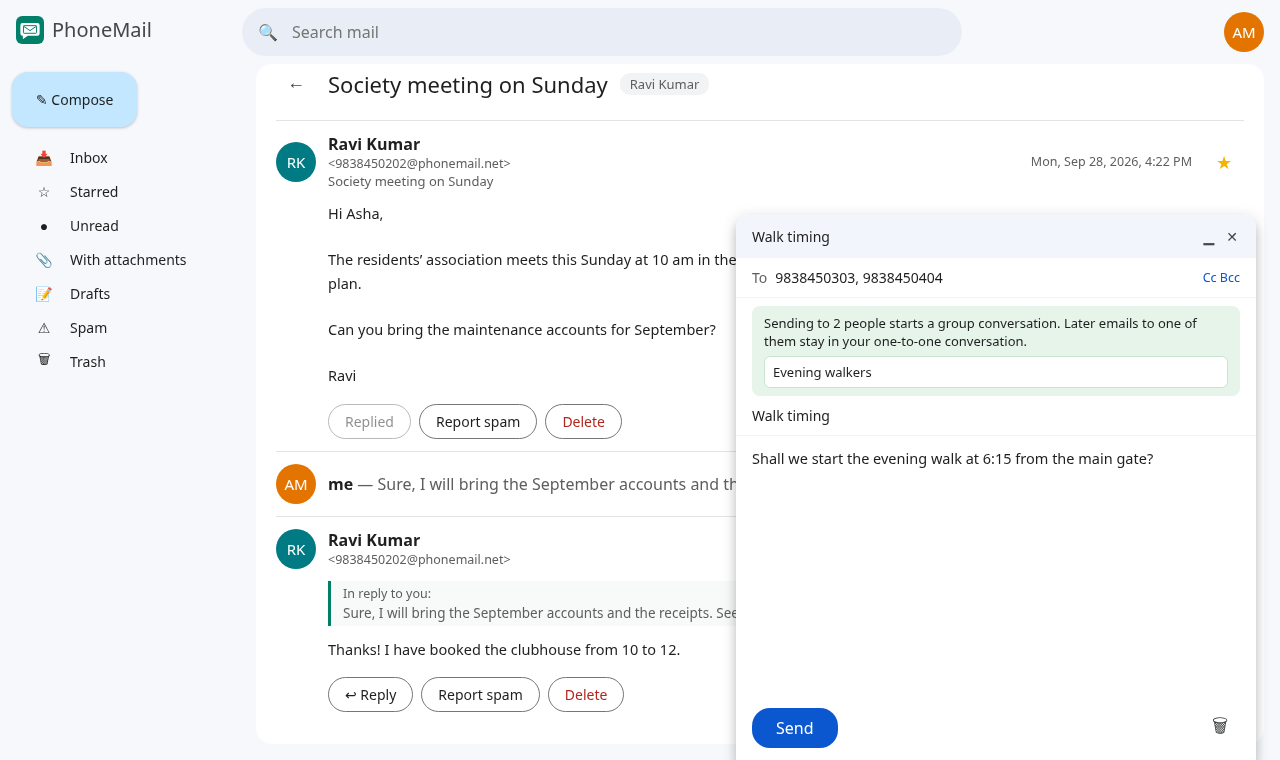
- Everyone in the group sees every email and reply in the group conversation.
- If you later write to just one of those people, it goes to your one-to-one conversation with them, not the group.
Drafts
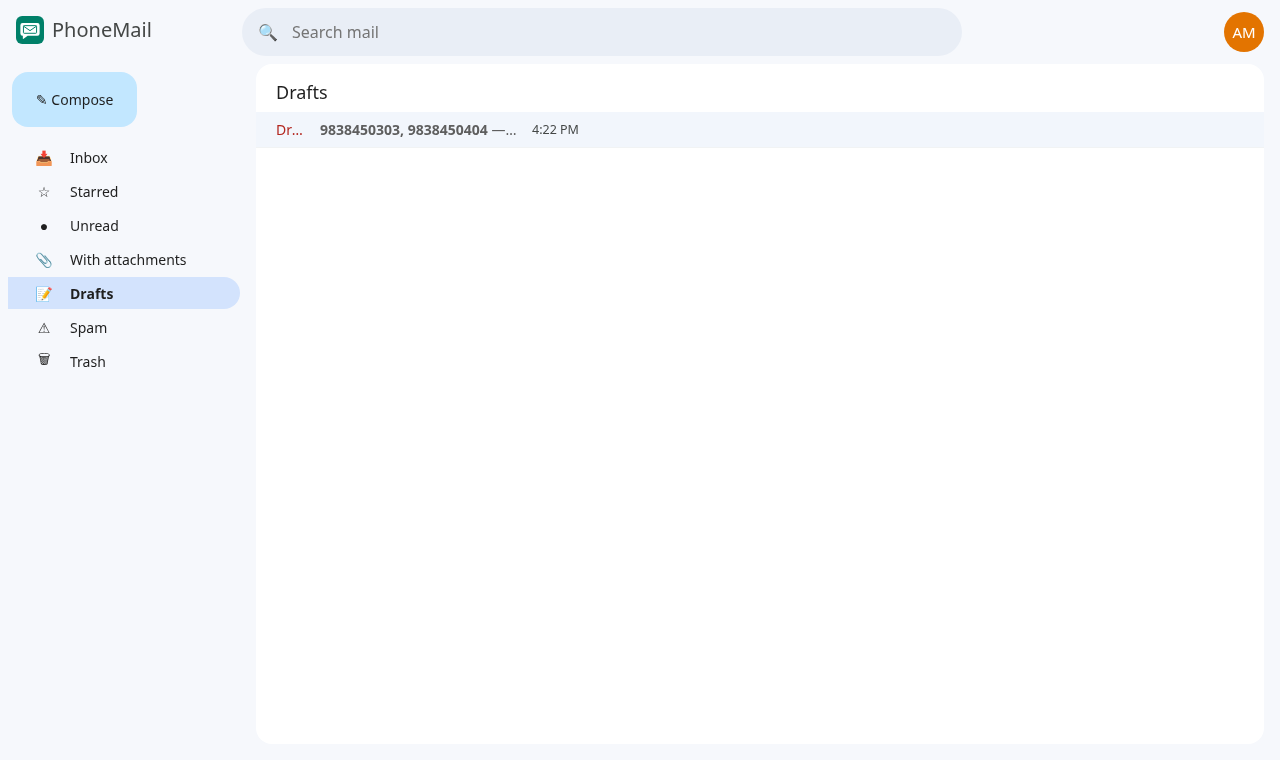
If you close the window with ✕ before sending, your email is saved in Drafts. Click a draft to open it again and finish it. The 🗑 button in the compose window throws the draft away.
The ▁ button makes the window small so you can read other mail while you write; click its title to open it again.